 Homeboard
| Cozi | Homeboard | |
|---|---|---|
| What it is | A family organiser app on everyone's phone | A wall display on one tablet |
| On an old iPad | The app needs iPadOS 17.0 or later | Runs in Safari on iOS 12 or later |
| Calendars | A shared calendar everyone edits in the app | Reads your calendar links; add family events from your phone |
| Cost | See Cozi's App Store page | Free on one tablet. Plus is £29 once per home |
Why the app won't install
The Cozi Family Organizer page on the App Store says it requires iPadOS 17.0 or later. Some iPads can't be updated that far. The iPad Air (1st generation) and the iPad mini 2 and 3, for example, stop at iOS 12.5.8.
Your App Store may still offer an older version of an app, if its maker still supports it. Check on your own iPad. If it does not, you will see a message that the app isn't compatible with your device.
What each one is for
Cozi is a family organiser you use on every phone: a shared calendar, lists and more, where everyone adds and changes things in the app. Cozi also has a website version; we haven't tested that on an old iPad.
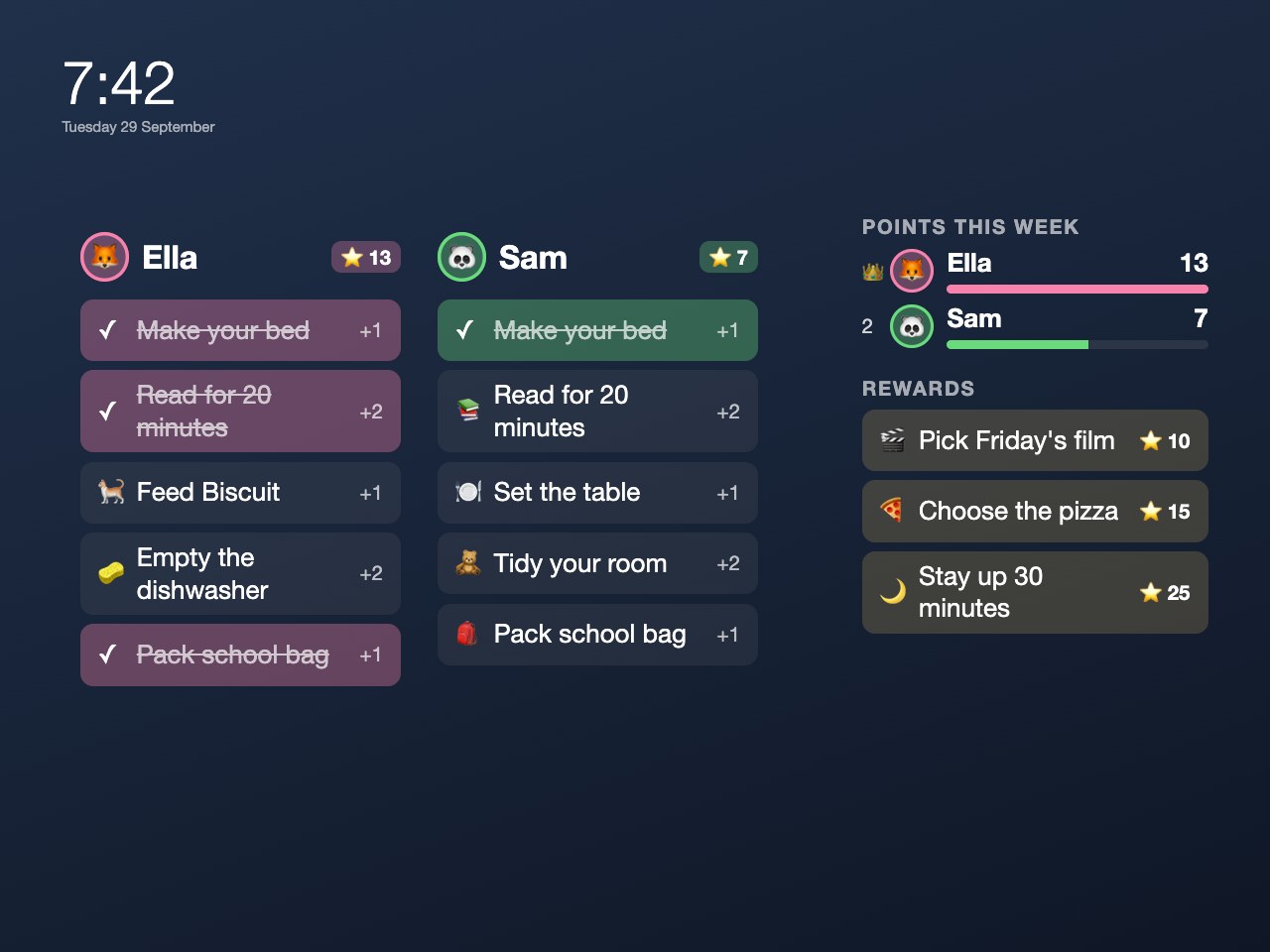
Homeboard turns one tablet into a wall display. It reads your calendar links (iCloud, Google, Outlook, school and clubs), shows everyone's plans together in their own colours with the weather and your photos, and the children can tick off chores. You can also add family events in Homeboard from your phone, with nothing to link. It shows your linked calendars beside them and never changes them.
Homeboard is free for one wall display. Homeboard Plus is £29 once per home, including UK VAT, with 30 days free and no card needed. Homeboard works in Safari on iPads with iOS 12 or later, and on Android 8+ and Fire tablets from 2018.
Which suits your home?
Consider Cozi if everyone wants to add and edit events, lists and shopping in one app on their phones, and your tablet is new enough to run it.
Consider Homeboard if you have an old iPad doing nothing and want it on the wall showing the family's week. Anyone in the home can add events to it from their phone, and the calendars you already use show beside them. It is a wall display first, not a full organiser app like Cozi.
Check your model on the compatibility page, then follow the iPad guide.
Try Homeboard
Look around an example home without signing up, then start free on your own iPad. After the 30 days, one display carries on free unless you choose Plus.
Comparing other options? See DAKboard, Skylight Calendar and Google Calendar on an old iPad.